Logo Art Lisa S. – 3D Decor Studio 3D Decor Studioby Lisa S. & Marcel
Art Lisa S. – original acrylic art from Switzerland 3D Decor - Studio by Lisa – workshop for 3D printing

Design Your Own 3D-Printable Decor, No CAD Skills Needed

3D Decor Studio is an easy, parametric 3D design tool for creating custom decor objects — right in your browser, no CAD experience required. Adjust shape, size, walls, patterns and more with simple controls, then export your design as an STL file ready for 3D printing.

Workshop for 3D printing

What shall we build today?

Pick a room. In each room you turn the sliders until it looks right – then save it for any 3D printer (STL) or as OBJ.

✓ Selling allowed: everything you build here, you may print and sell.
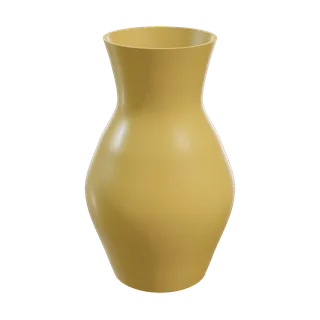
3D-printed vase – vases room
VasesVase workshop
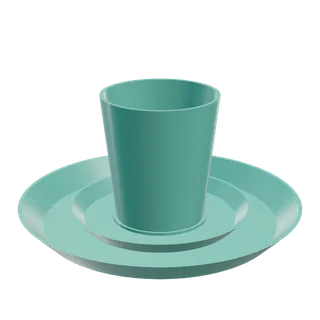
Mug with saucer – camping dishes room
Camping dishesSet, mug & cup, plate, bowls, board, storage
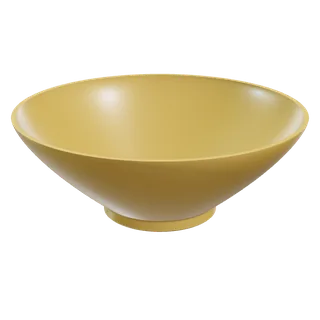
Round 3D-printed bowl – bowl room
BowlFruit bowl, key tray, snack bowl
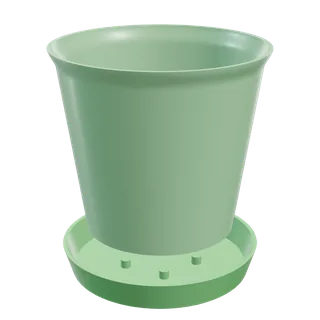
Flower pot with saucer – flower pot room
Flower potWith drainage holes and saucer
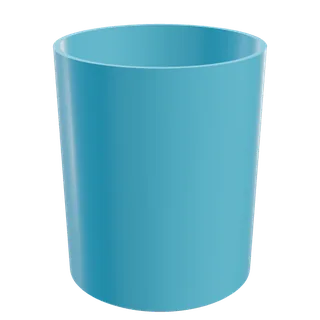
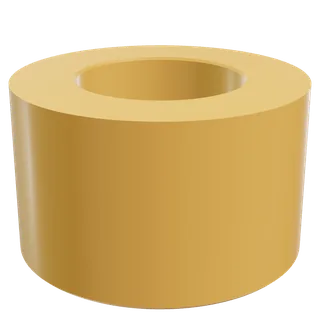
3D-printed pen holder – pen holder room
Pen holderFor pens, brushes, cutlery
3D-printed tealight holder – candles and light room
Candles & lightTealight holder, candle holder, LED shade
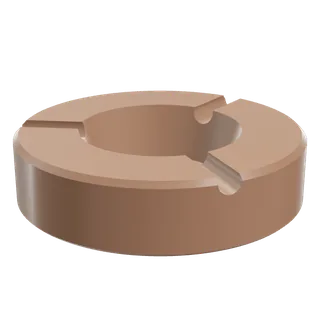
Round 3D-printed ashtray – ashtrays room
AshtraysRound, square, triangle, wind, cup, frog, hippo
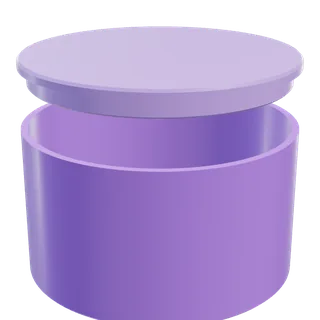
3D-printed box with lid – box with lid room
Box with lidJewellery, small items, gifts
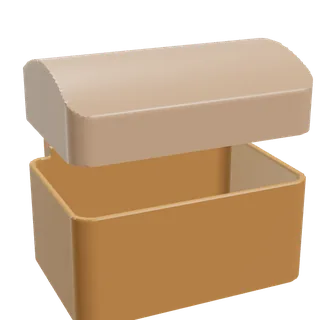
3D-printed chest with hinge – hinged chest room
Hinged chestTreasure or jewellery box with hinge
Features

What you can do with it

Shape with sliders

Parametric shape controls: height, diameter, wall thickness, belly and neck.

Decorate

Ribs, holes and surface decoration — for example koi, roses and patterns.

Preview

Color and layer-line preview, so you can see the result before you print.

Export

One-click STL export for your 3D printer.

Create

  • Bowls & pots
  • Candle holders
  • Decorative chests
  • Camping tableware (plates, mugs, cups)
  • Ashtrays
  • Vases
  • … and more

Perfect for hobbyists, makers and anyone who wants unique, personalized 3D-printed decor without learning complex CAD software.

Inside the tool

How it looks

Click a picture to enlarge it.
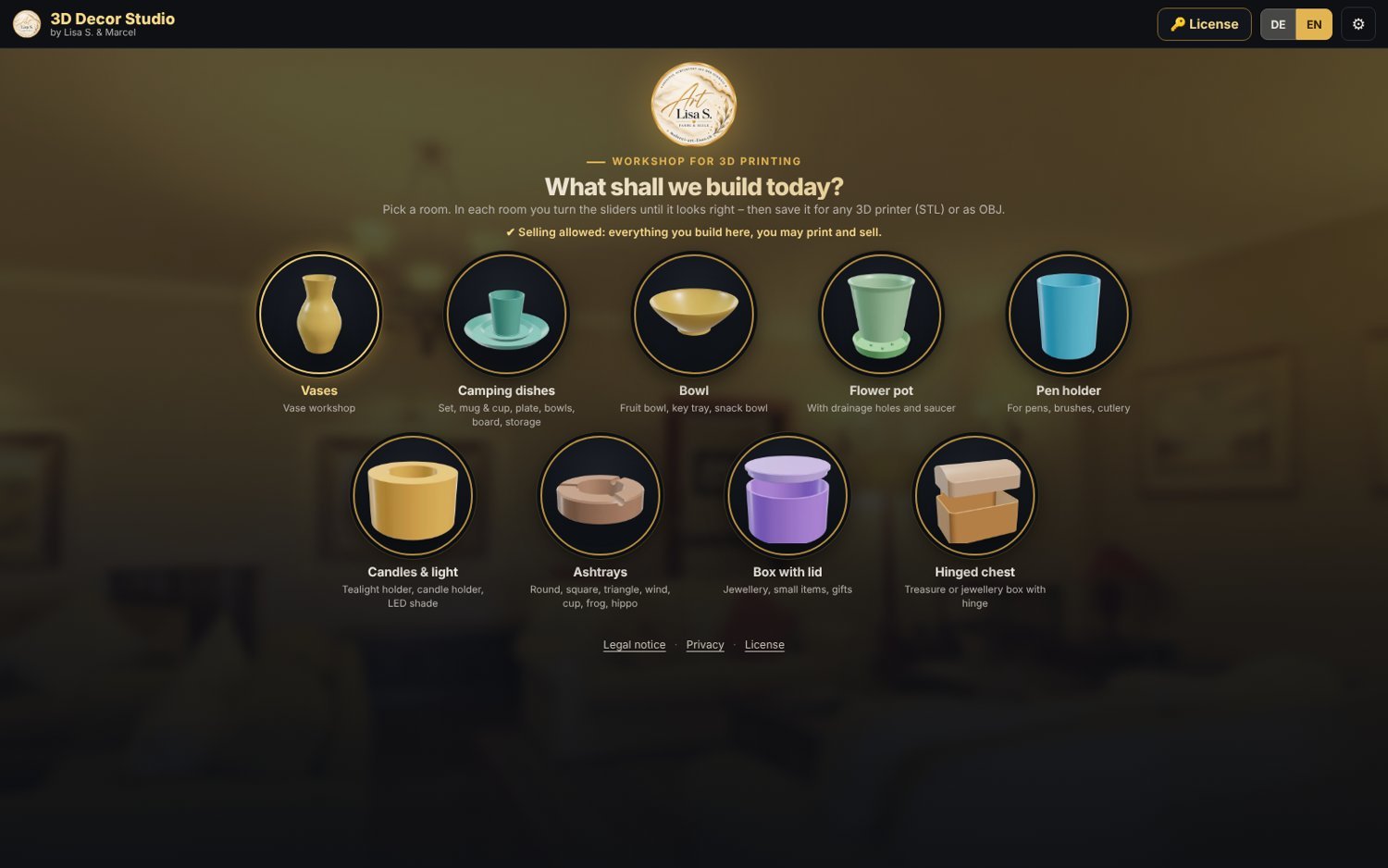
Start screen of 3D Decor Studio with all rooms
The start screen: this is where you pick a room.
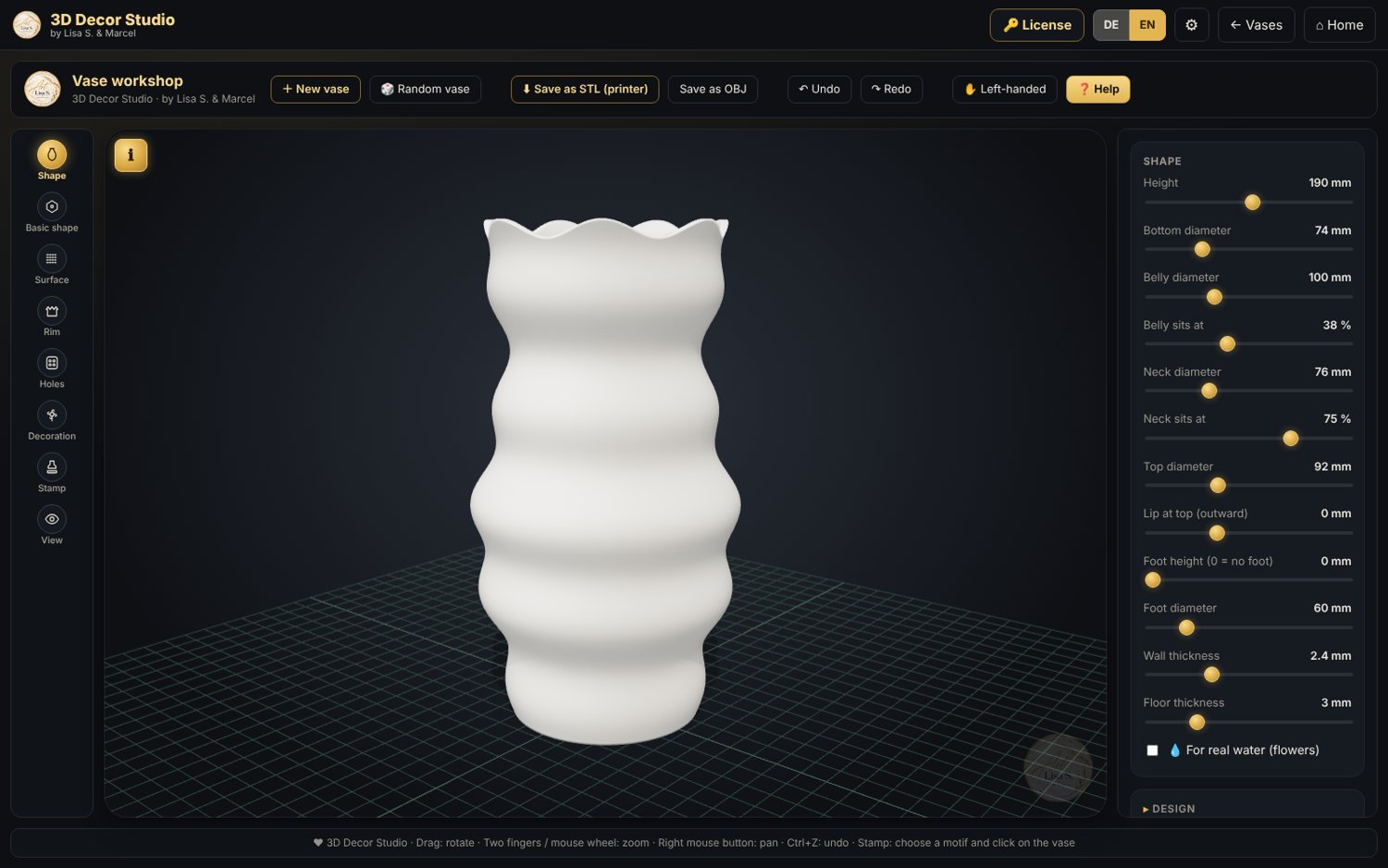
Vase workshop with the Waves template
Vase workshop – here with the “Waves” template.
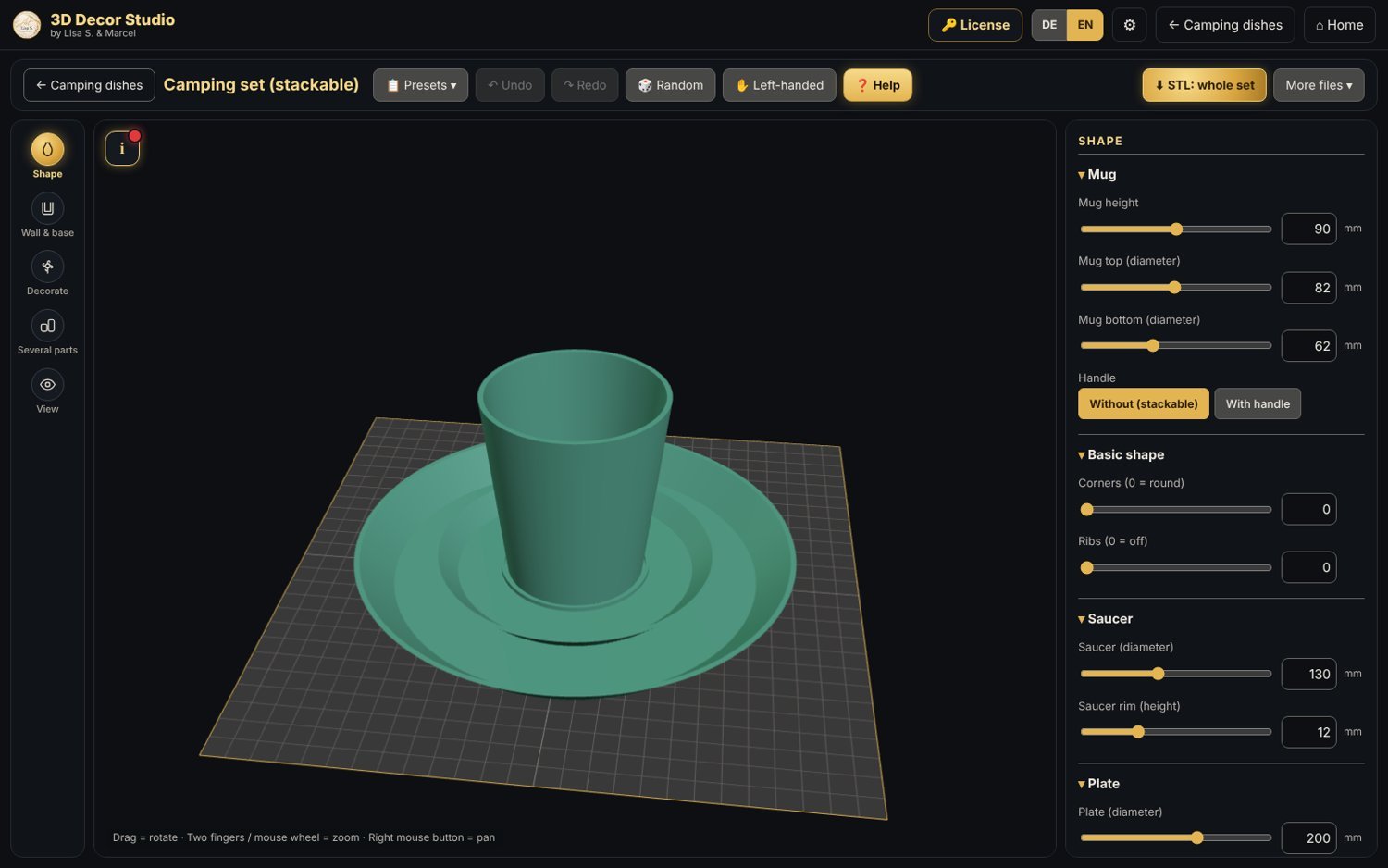
Camping dishes: mug and saucer for 3D printing
Camping dishes: mug and saucer, stackable without a handle.
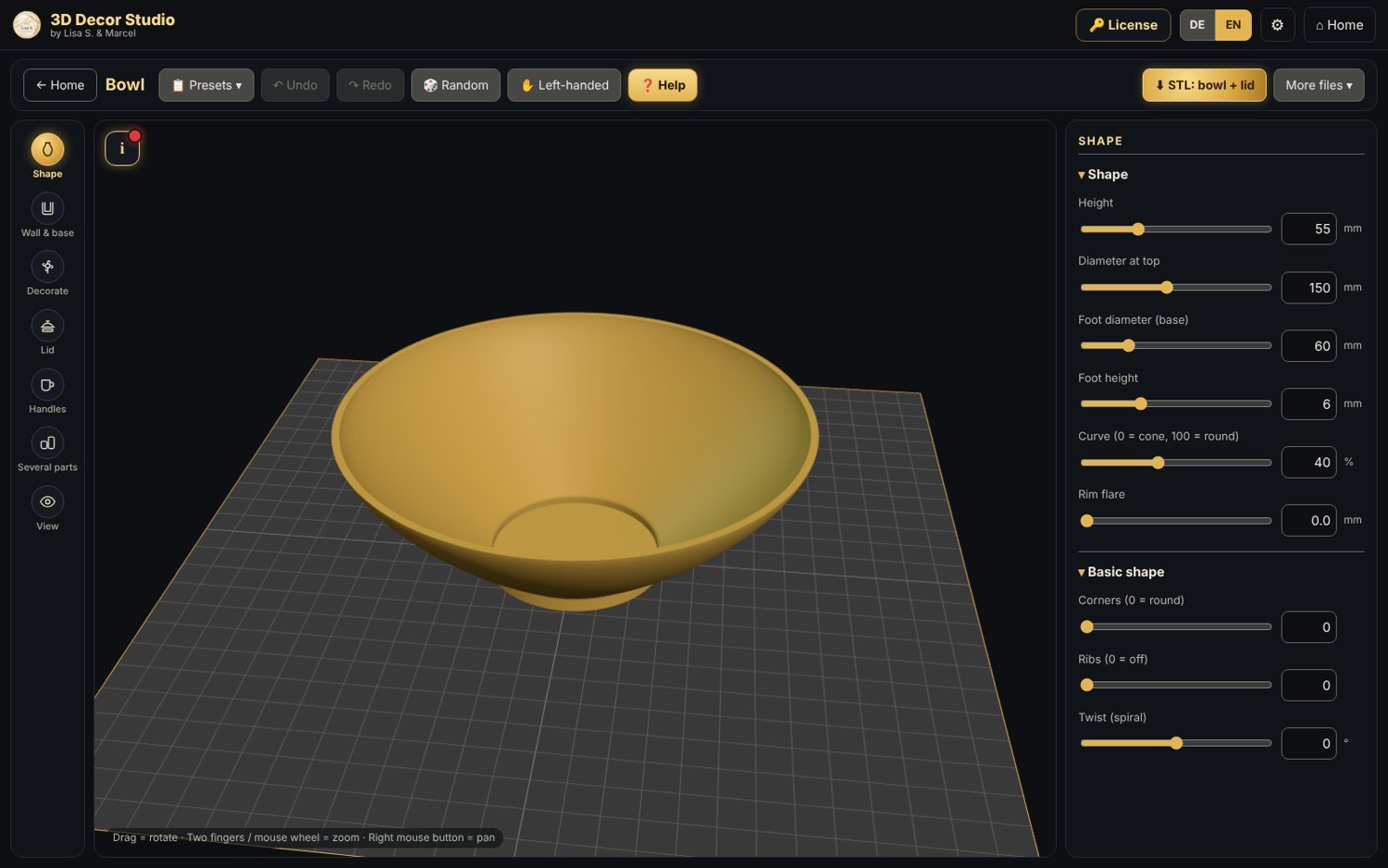
Round bowl for 3D printing
Bowl: height, diameter, foot and curve.
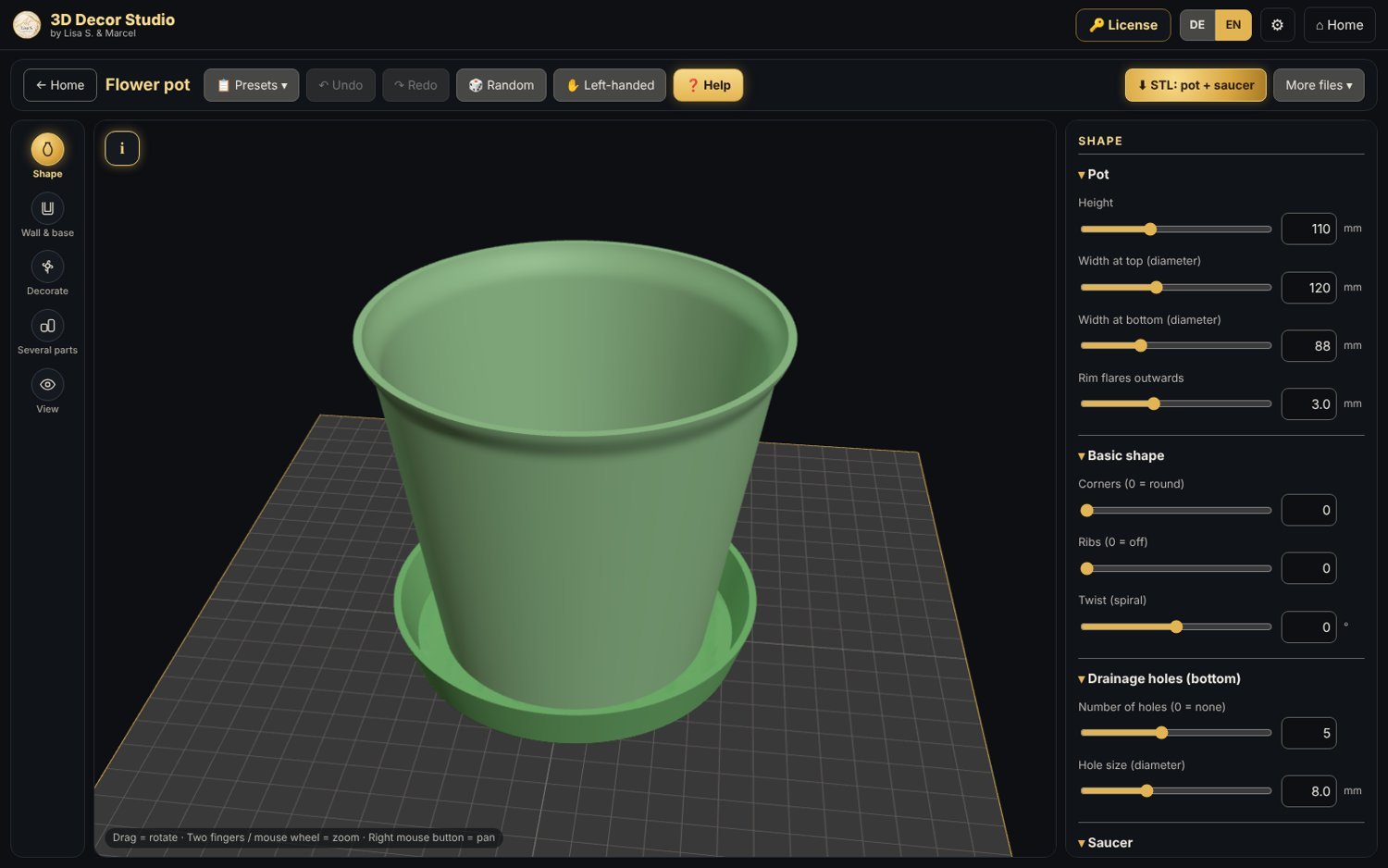
Flower pot with drainage holes and saucer
Flower pot: with drainage holes and a saucer.
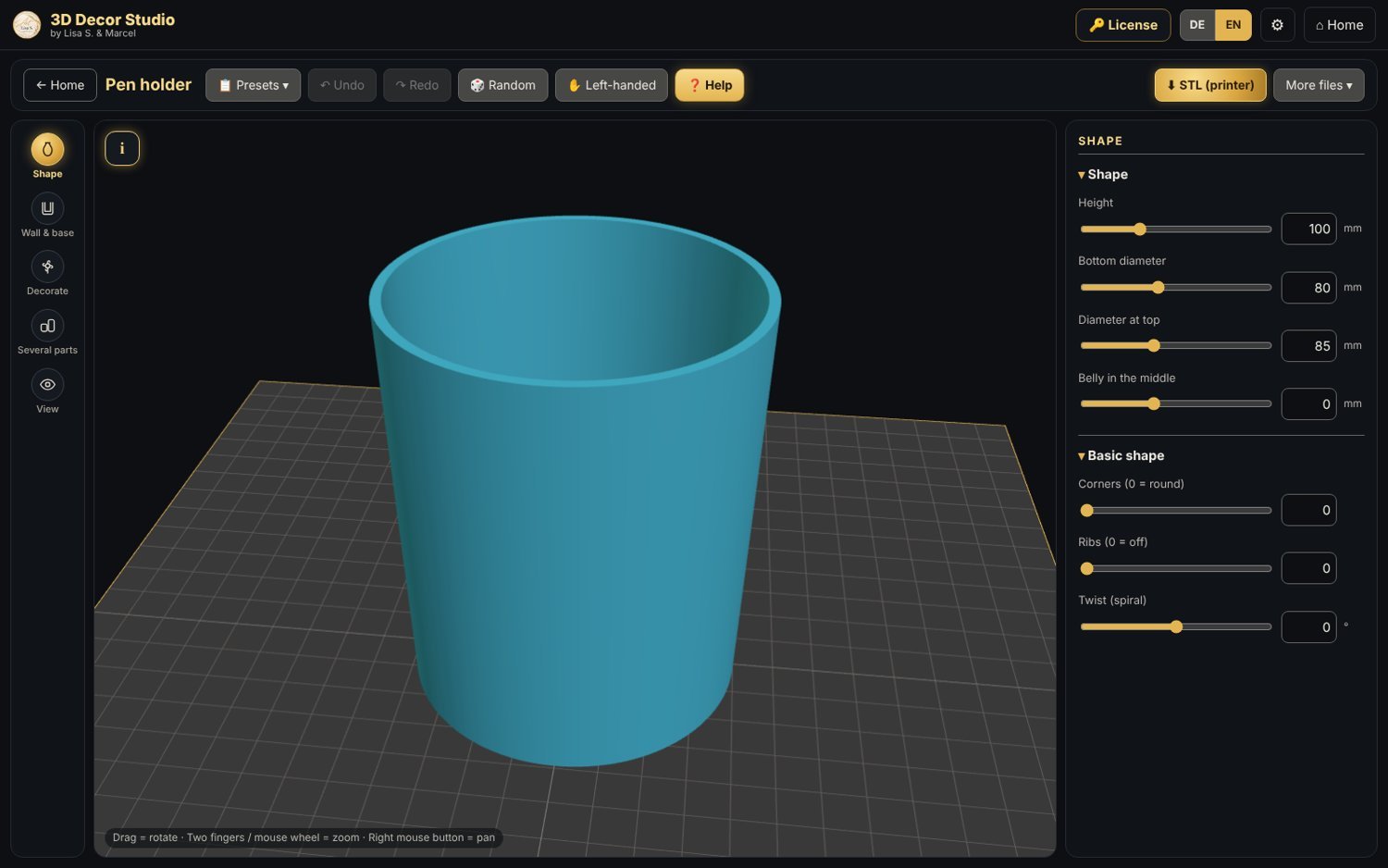
Pen holder as a 3D model
Pen holder: height, diameter, corners and twist.
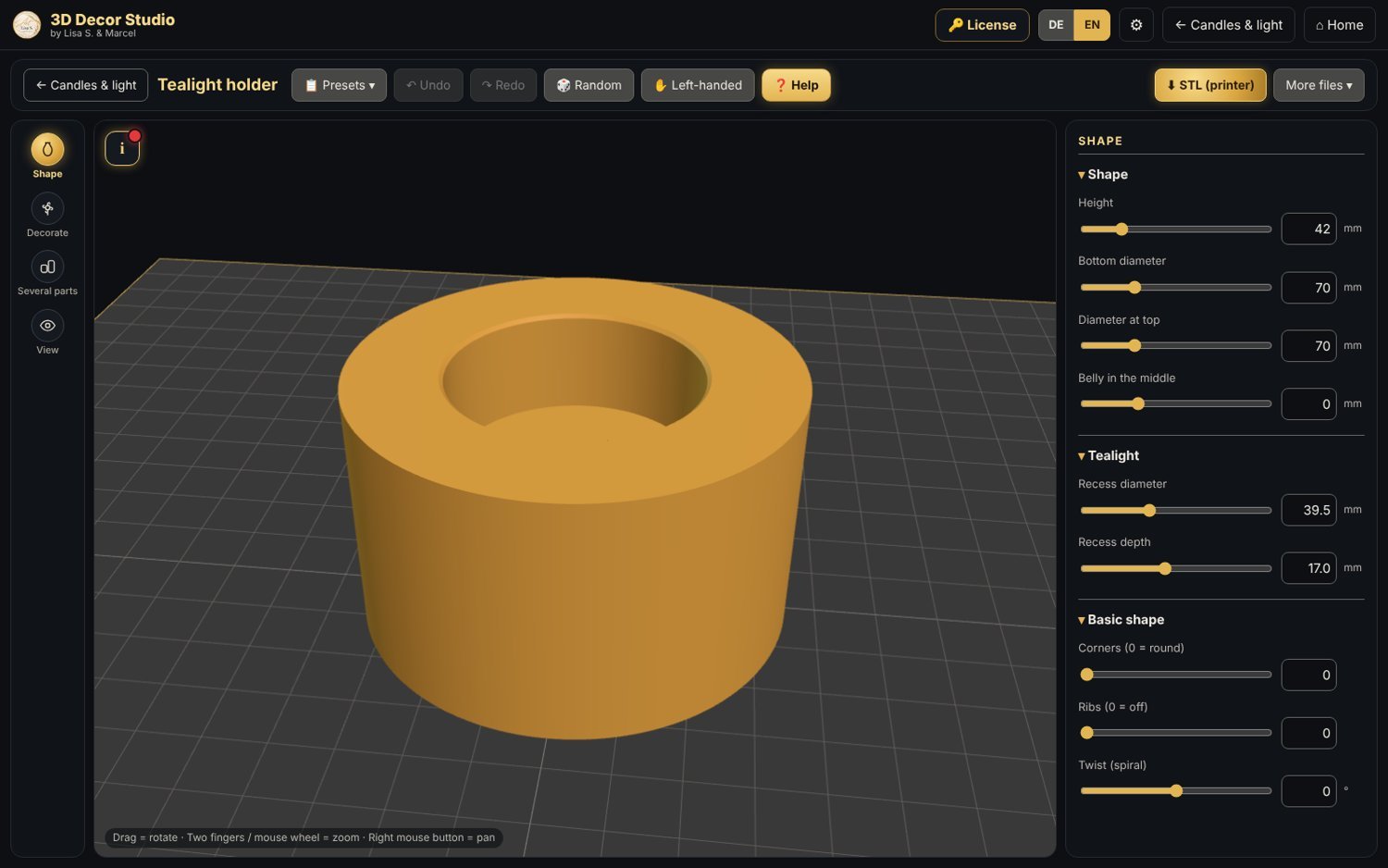
Tealight holder for 3D printing
Tealight holder: with the recess for the tealight.
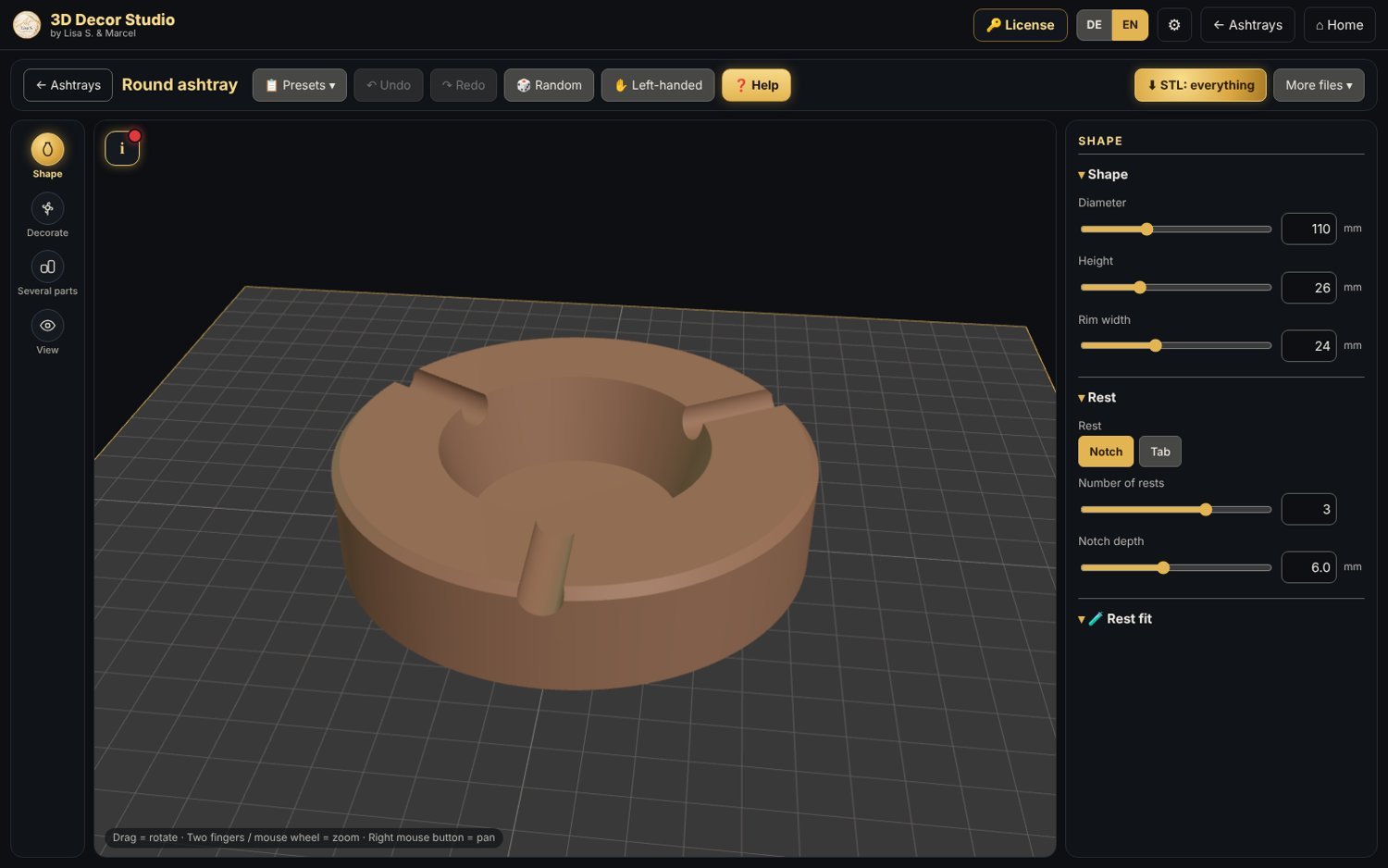
Round ashtray as a 3D model
Round ashtray: size and the number of rests.
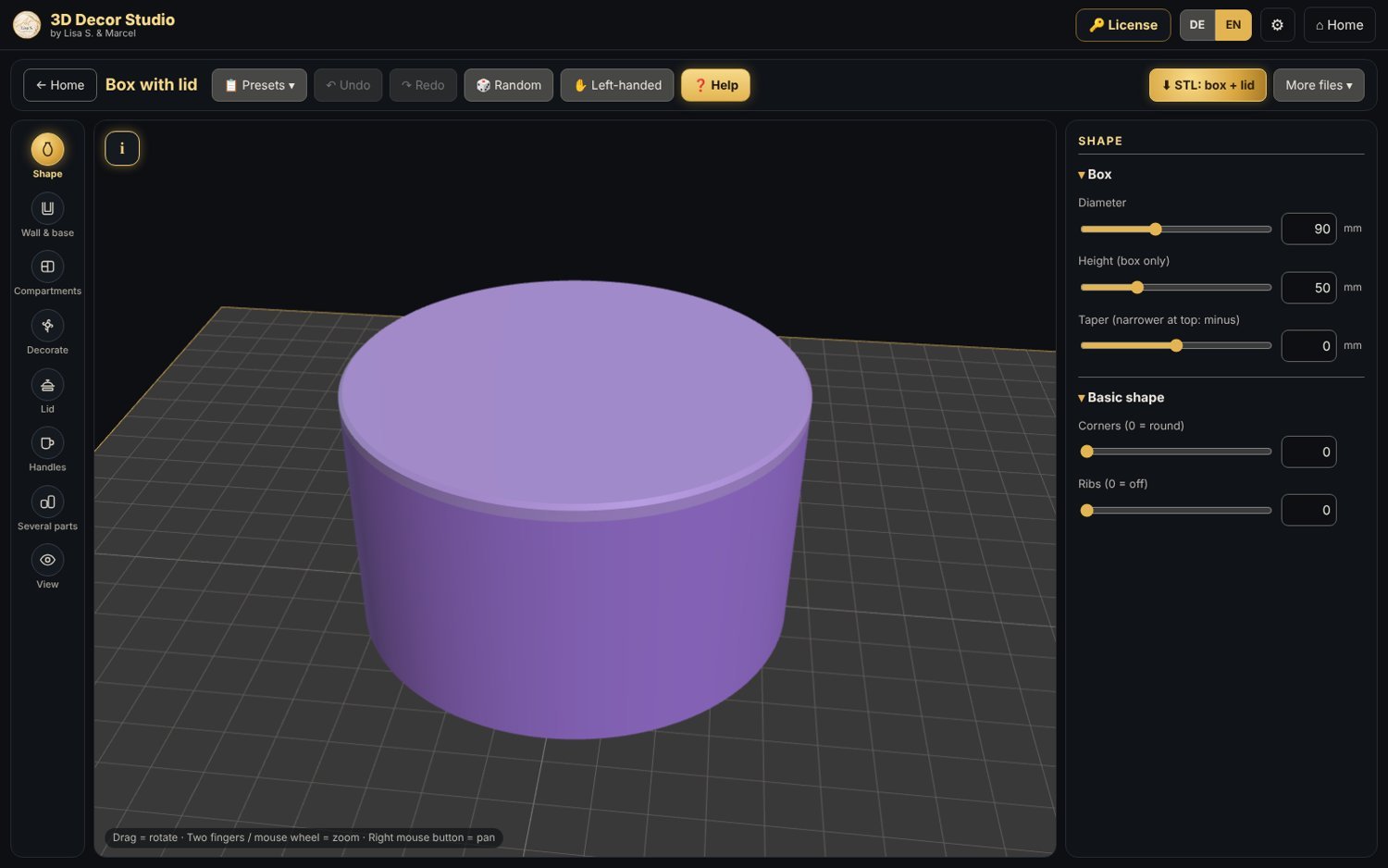
Box with lid for 3D printing
Box with lid: for jewellery, small items and gifts.
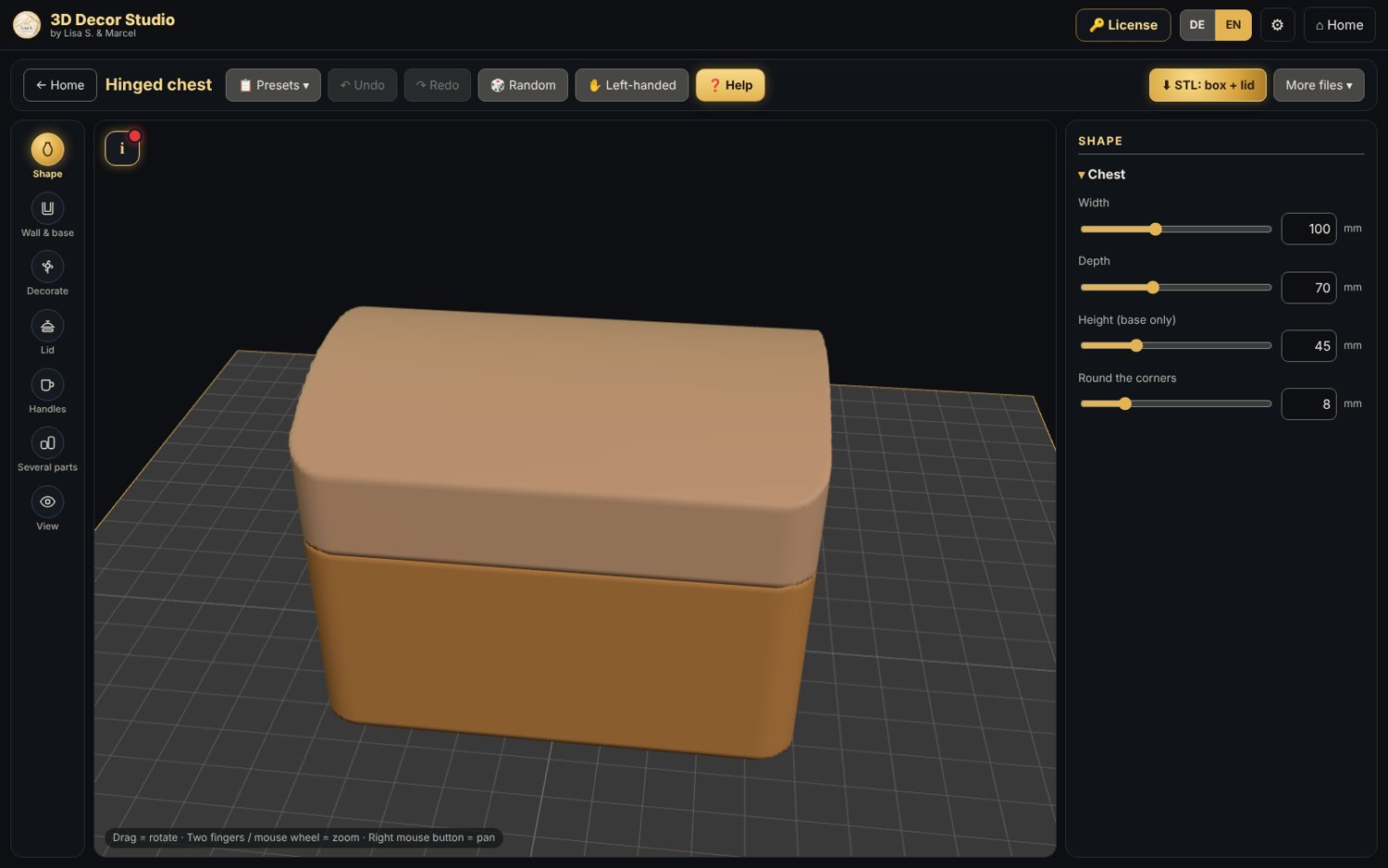
Hinged chest as a 3D model
Hinged chest: width, depth and rounded corners.
License

Selling allowed – yes, you may!

Commercial use included: you may sell the physical objects you design and 3D-print with 3D Decor Studio. Reselling or redistributing the software itself is not permitted.

How to get it

Three steps to start

1

Open it on itch.io

Go to the 3D Decor Studio page.

2

Buy it once

No subscription, no running costs.

3

Build in your browser

Open it and start right away – no installation.

19.50 USD

Minimum price on itch.io – one-time purchase, no subscription.

More from our workshop

Knetmeister 3D

Knetmeister 3D is Marcel's program: beginner-friendly 3D sculpting software. Shape your figure in 3D, then export STL files for 3D printing. There is a free browser demo.

  • English and German
  • For right-handed and left-handed users
  • No experience needed
  • No subscription
  • For Windows 10 and Windows 11
  • Use a mouse, pen or finger
  • The Expert version also for Android tablet and phone
Go to Knetmeister 3D →